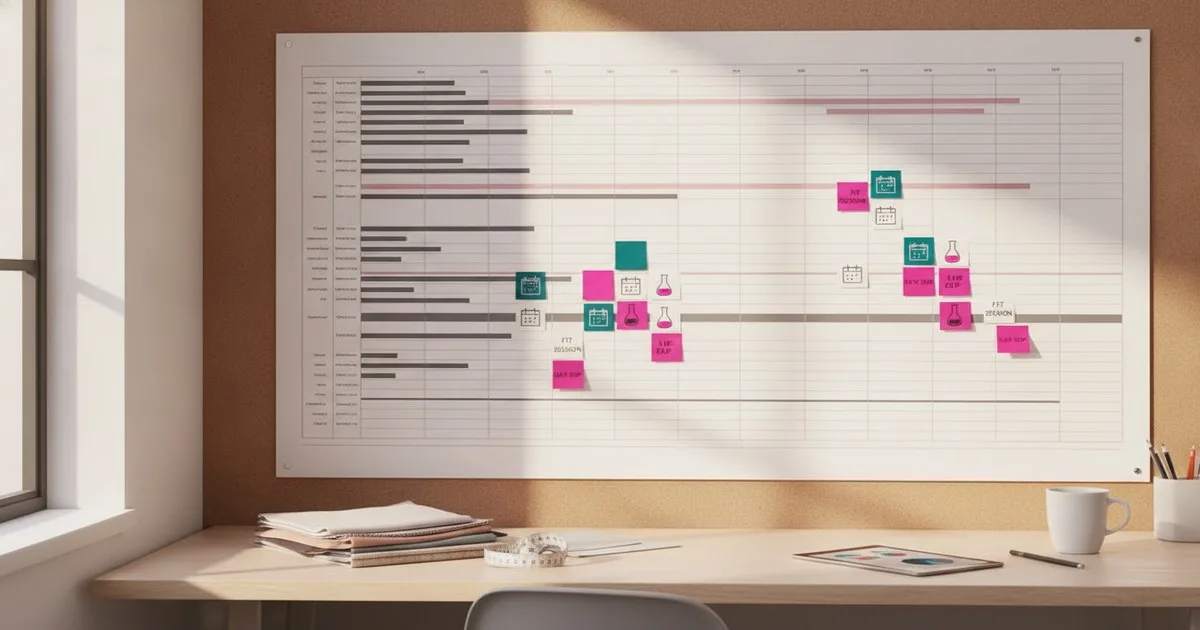
Backward planning from your salesman sample (SMS) ship date is the most reliable way to keep two or more seasons from colliding. Fix the end date first, count back through every milestone—lab dips, proto reviews, fit sessions, revision rounds—and you arrive at the date your design team must hand you a brief. Miss that date and every buffer you built evaporates.
Key takeaways
- Always anchor your calendar to the SMS ship date and work backward; forward planning from a brief date almost always underestimates lead time.
- Build explicit buffer days for lab dip approval, fit-session scheduling, and revision rounds—these are the three most common causes of calendar slippage.
- Running two seasons simultaneously requires a shared master calendar with season-coded milestones so no approval window is accidentally double-booked.
- A PLM platform that tracks sample status in real time, such as BeProduct, removes the need for manual status-chasing emails and makes milestone slippage visible the day it happens.
- The calendar is only as good as the tech pack behind it: an incomplete spec at proto stage adds at least one unplanned revision round.
What you need before you start
- Confirmed SMS ship date from your merchandising or sales team
- Factory lead-time commitments for each sample stage (proto, sealing, SMS)
- Lab dip lead times from your nominated dye houses or fabric mills
- Fit session availability from your fit model coordinator and technical design team
- A list of all styles in the season (style count affects how many parallel fit sessions you need)
- A shared calendar tool or PLM system your whole team can access
- Your standard revision-round policy (how many rounds are included before a cost impact is triggered)
Step 1: Lock the SMS ship date and count back your factory lead time
Open a blank spreadsheet or your PLM calendar view and enter the SMS ship date in the final column. Ask your factory for their confirmed lead time from sealed sample approval to SMS delivery—this is typically expressed in working days, not calendar days, so convert it now. Mark the sealed sample approval deadline that many working days before the ship date. This is your first hard constraint; everything else flows from it.
Expected result: You have two fixed dates: SMS ship and sealed sample approval. The gap between them is factory-owned time you cannot compress.
Note: If your factory quotes lead time in calendar days, confirm whether they work weekends and account for public holidays in their country. A mismatch here is one of the most common causes of a missed ship date.
Step 2: Insert the sealing fit session and revision window
Count back from the sealed sample approval date. You need at minimum one sealing fit session plus a revision window for any corrections the factory must make before the sample is approved. In our experience, teams that allocate fewer than five working days for this window consistently run over. Mark the sealing fit date and add a revision buffer of five to seven working days immediately after it.
Expected result: You now have a sealing fit date on the calendar. Any style not ready for sealing by that date will miss the SMS ship.
Warning: If you are running two seasons simultaneously, check that your sealing fit dates do not land on the same week. Fit model availability and your technical design team's bandwidth are shared resources.
Step 3: Map the first-fit and revision rounds
Count back from the sealing fit date. Most development calendars include two fit rounds before sealing: a first fit on the proto sample and a second fit on the corrected sample. Each round has three components: the fit session itself, the comment turnaround from your technical designer, and the factory's correction and re-sample lead time.
A workable minimum per round:
- Fit session: 1 day
- Comment turnaround: 2–3 working days
- Factory correction and re-sample: 7–10 working days (longer for wovens with complex construction)
Mark both fit dates and their associated comment and correction windows on the calendar. If your style count is high, stagger fit sessions across the week rather than batching them all on one day.
Expected result: You have a proto delivery date—the date the factory must deliver the first proto sample to your office or 3PL for fitting.
Step 4: Set the proto sample order deadline
Count back from the proto delivery date using your factory's proto lead time. Proto lead times vary significantly by factory and construction complexity; confirm the figure directly rather than using a generic estimate. Add the proto order date to the calendar. This is the date your tech pack must be complete and approved—no open comments, no TBD callouts on the spec.
Expected result: You have a tech pack freeze date. Any style whose tech pack is not issued by this date cannot enter the proto stage without pushing the entire calendar.
Note: A tech pack with unresolved construction details at proto stage almost always generates an extra revision round. That round costs you the buffer days you carefully built into the schedule. Templates that enforce completeness—such as those available through Kittl's tech pack template library—can help your design team submit specs that are factory-ready from the start.
Step 5: Build in the lab dip approval window
Lab dips are frequently treated as a background task, but they sit on the critical path for any style with a dyed or printed fabric. Count back from the proto order date. Your dye house needs time to produce lab dips, ship them, and receive your approval or correction comments before the fabric can be ordered for the proto.
A conservative lab dip window:
- Mill produces and ships lab dips: 7–10 working days
- Your team reviews and approves or rejects: 2–3 working days
- One correction round (budget for this even if you hope to avoid it): 7–10 working days
Mark the lab dip submission deadline—the date you must send your color standard to the mill. If you are running multiple colorways, stagger submission dates or negotiate a batch submission with the mill.
Expected result: You have a color standard submission date. Styles without an approved color standard by the proto order date will be sampled in a substitute color, which creates an additional approval step later.
Step 6: Set the design handover and brief date
Count back from the lab dip submission date. Before you can submit a color standard, you need a confirmed colorway from your design team. Before that, you need a brief that specifies fabric, construction, and silhouette. Add the design handover date—the date design must deliver a complete brief and initial colorway direction to your team.
This is the date you present to your design director. It is not a suggestion; it is the date beyond which the calendar cannot hold.
Expected result: You have a complete backward-planned calendar from brief to SMS ship, with every milestone and buffer day accounted for.
Step 7: Overlay a second season and code your milestones
If you are running two seasons simultaneously, paste the second season's calendar into the same view. Color-code or prefix every milestone with a season code (e.g., SS27, FW27) so that shared resources—fit model slots, technical designer review time, your own approval bandwidth—are visible in one place. Look for milestone collisions: two sealing fits in the same week, two tech pack freeze dates on the same day.
Where collisions exist, negotiate with merchandising to shift one season's SMS ship date by a week, or split the style list so that complex styles (those with more revision risk) are weighted toward the season with more calendar slack.
Expected result: A dual-season master calendar where every milestone is coded, every buffer is explicit, and resource conflicts are visible before they become emergencies.
Tip: A PLM platform like BeProduct, which offers visual workflow boards and real-time sample tracking, makes this overlay view much easier to maintain than a shared spreadsheet—especially when factories and suppliers are updating sample status asynchronously across time zones. Industry practitioners discussing connected workflows at events like PI Apparel consistently flag real-time sample visibility as one of the highest-value operational improvements a mid-size brand can make.
Step 8: Publish the calendar and assign milestone owners
Every milestone needs a named owner—not a department, a person. The proto order date is owned by your sourcing manager. The tech pack freeze date is owned by your technical designer. The lab dip submission date is owned by your materials coordinator. Publish the calendar to all owners and schedule a weekly critical-path review for the first four weeks of each season.
Expected result: Accountability is distributed. When a milestone slips, you know immediately who to call and what the downstream impact is.
Troubleshooting common problems
The factory won't commit to a proto lead time. Ask for the lead time of the most recent comparable style they sampled for you. Use that figure plus a 20% buffer. Revisit the commitment once you have issued the tech pack.
Design keeps missing the brief date. Work backward with your design director to show them, in writing, which fit session and ultimately which SMS ship date moves when the brief is late. Visibility into consequences changes behavior faster than deadline reminders.
Lab dips are taking longer than quoted. Build a standing relationship with a backup dye house for critical colorways. If you only ever use one supplier for lab dips, you have no leverage when their queue fills up.
Two fit sessions land on the same day. If you cannot shift one session, split the style list between two fit models and two technical designers. Document which styles went through which session so comments are traceable.
A revision round blows the buffer. Triage immediately: identify which styles can absorb the delay (lower-volume, lower-margin) and which cannot. Escalate the high-priority styles to the factory for expedited re-sampling, and document the cost impact so it is visible to your merchandising team.
What success looks like
A well-built sampling milestone calendar means your SMS ships on the date your sales team promised buyers—without a weekend of emergency emails. Your technical designers know their review windows in advance and can plan their workload. Your factory receives complete tech packs on predictable dates and can plan their cutting room accordingly. And when something does slip, you catch it at the weekly critical-path review, not the day before the ship date.
For teams managing this across two or more seasons, the calendar also becomes a planning tool for headcount: if every season's fit sessions cluster in the same six-week window, that is a signal to either stagger seasons or add technical design capacity.
Our guide to tech pack software built for production covers how purpose-built tools can automate the status tracking that otherwise lives in your calendar's comment column.
FAQ
What is a sampling milestone calendar in apparel production? It is a backward-planned schedule anchored to the salesman sample ship date, listing every approval event—brief handover, lab dip submission, proto fit, sealing fit—with the working days each step requires, so the team knows the latest possible start date for each task.
How far in advance should I start planning a salesman sample calendar? For a standard woven style with two fit rounds and one lab dip correction round, count back roughly 20–24 working weeks from the SMS ship date. Complex constructions or embellishments add time; simple knit basics may need less.
How many revision rounds should I budget for in a sampling calendar? Budget for two fit rounds before sealing and one lab dip correction round as a baseline. If your proto approval rate is below 50%, investigate whether tech pack completeness is the root cause before adding more buffer days.
How do I handle milestone planning when running two seasons at once? Use a single master calendar with season-coded milestones. Identify shared resources—fit model slots, technical designer bandwidth, your own approval time—and check for collisions before the season starts, not after.
Can PLM software replace a milestone calendar spreadsheet? A PLM platform with sample tracking and workflow boards, like BeProduct, handles real-time status updates and makes slippage visible automatically. The milestone logic still needs to be set up by a planner who understands the critical path; the tool enforces it once it is built.
Further reading
- Private Label Golf Apparel Guide: Sampling to Production
- Aiclo at PI Apparel New York 2026: What Fashion Technology Is Solving Today