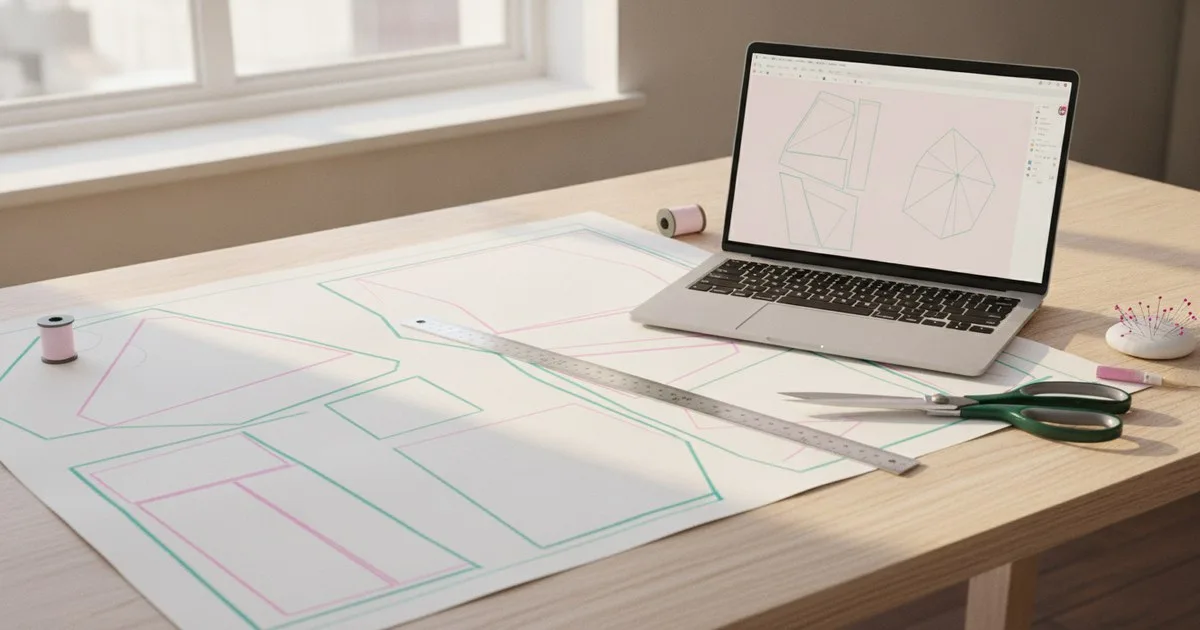
Once a design gets signed off, the real production work starts: translating a visual — a flat sketch, a mood board render, or a 3D concept — into graded, seam-allowed panel geometry that a factory can actually cut. That handover is where time gets lost and errors get baked in. The six tools below each address some part of it. None of them does everything; all of them reduce some of the manual work. For each one, you'll find what it takes as input, what it hands on, and where you still need a human in the loop.
Key takeaways
- No single tool covers the full journey from approved visual to production-ready DXF without any manual intervention — the question is where you want that intervention to happen.
- DXF in AAMA or ASTM format is the common currency between design tools and factory-floor CAD; getting that file right at handover saves rework downstream.
- 3D simulation tools like Browzwear and CLO 3D let you validate fit before cutting a single sample, but they still need a correctly built 2D pattern as their starting point.
- Archive-trained AI approaches work best when a brand already has a large library of proven patterns to learn from.
- Tech pack software sits at the end of the chain — it organises specs, not geometry, so it only helps once the pattern decisions are already made.
Why does this handover keep breaking?
The gap between design approval and production data is a format problem as much as a skills problem. A signed-off sketch carries intention — silhouette, proportion, construction logic — but none of the geometry a cutter needs. Someone has to translate that intention into panel shapes, add seam allowances, grade across sizes, and package everything into a format the factory's CAD system can open.
Research into parametric pattern systems confirms what production teams already know: automating the drafting process reduces the time and cost that previously depended on the personal intuition and expertise of pattern makers, and parametric approaches that express silhouette through drafting formulas tied to body dimensions are a promising route. The six tools below represent different points on that automation spectrum.
The 6 tools
1. Browzwear VStitcher
Browzwear VStitcher is a 3D digital product creation platform built around physics-based fabric simulation. You bring in a 2D pattern — ideally as a DXF ASTM or DXF AAMA file, exported without seam allowances — stitch the panels up virtually, assign fabric properties, and run fit validation on a digital avatar. The output is a reviewed, approved 3D garment with associated 2D patterns and technical assets for downstream use.
Where it helps most is in replacing physical fit samples for early rounds. You can share a 3D review link with a buying team or factory before any fabric is cut. AI-driven fit validation flags problem areas in the virtual garment, and the platform connects to PLM and ERP systems for approval workflows.
The manual work that remains: someone still needs to build or import a correctly drafted 2D pattern before VStitcher can simulate anything. The tool validates and refines; it does not draft from scratch.
Best for: Brands running multiple fit rounds on complex or fitted garments who want to reduce physical sampling.
Limits: Requires a competent 2D pattern as input. The simulation is only as good as the fabric physics data you assign.
2. Optitex
Optitex, now part of FOG Software Group (Constellation Software), offers 2D pattern CAD, marker making and nesting, and 3D garment visualisation for apparel manufacturers. It is one of the longer-established CAD environments in the industry, used for production-grade pattern construction, grading across size runs, and generating the marker files that control fabric cutting.
The workflow is traditional CAD: a pattern maker builds or imports panels, grades them, adds seam allowances and notches, and exports a DXF or native file for the factory. The 3D visualisation layer lets you check drape and proportion without leaving the same environment.
The manual work that remains: all the drafting logic — construction lines, ease, grain lines — comes from the pattern maker. Optitex automates the mechanical parts of grading and nesting, not the design interpretation.
Best for: Production teams that need a single environment for 2D CAD, grading, and marker making with an established factory integration path.
Limits: The interface is built for trained pattern makers; it is not a tool for designers who want to skip the CAD learning curve.
3. CLO 3D
CLO 3D is 3D fashion design software used widely by independent designers and small studios. Like VStitcher, it simulates fabric drape on a digital avatar from 2D pattern panels. It also includes a Pattern Drafter feature that can generate a starting pattern from measurements or a flat sketch, which makes it useful earlier in the process than a pure simulation tool.
For indie studios, the appeal is the relatively accessible entry point and a large community of shared assets and tutorials. Output includes 2D pattern files, tech pack data, and rendered images for presentation.
The manual work that remains: the Pattern Drafter produces a starting point, not a production-ready pattern. A pattern maker still needs to review construction logic, add production notches, and confirm grading before the file goes to a factory.
Best for: Independent designers and small studios who want to visualise and iterate on fit early in the process without a separate CAD environment.
Limits: The pattern output needs production review before factory handover; less suited to the high-volume, multi-style workflows of a large brand.
4. Techpacker
Techpacker offers two products: a standalone tech pack editor for organising garment specs, and an AI-powered PLM platform aimed at scaling brands that need to connect product data, teams, and manufacturers. The tech pack editor lets you build structured spec sheets — measurements, BOM, construction details, colourways — and share them with factories in a format that reduces back-and-forth email.
Techpacker sits at the end of the pattern-to-production chain. It organises and communicates the decisions that have already been made; it does not generate or validate pattern geometry. Think of it as the handover document, not the handover itself.
The manual work that remains: all pattern and construction decisions must be made before Techpacker is useful. Someone still needs to populate the spec sheet with accurate measurements and construction notes.
Best for: Solo designers and indie brands who need a structured, shareable tech pack without building one in a spreadsheet or Illustrator.
Limits: Does not handle pattern geometry or grading. If your pattern is wrong, the tech pack just documents the error.
5. FashionINSTA
FashionINSTA takes a different route to the handover problem. Instead of a generic drafting environment, it runs a private per-brand AI trained on the brand's own DXF pattern archive. The system learns from proven patterns the brand has already made, then uses that knowledge to generate production-ready patterns, tech packs, BOM, cost estimates, and 3D-compatible DXF outputs — in formats that work with Browzwear, Gerber AccuMark, and other downstream tools — from a new design brief.
Because the AI is trained on the brand's own archive in a tenant-isolated environment, the output reflects the brand's established construction logic, fit standards, and grading conventions rather than a generic template. A graph of specialist agents handles different parts of the pipeline — pattern generation, feasibility analysis, costing — and the platform is expanding toward PLM and DAM API connectivity.
The manual work that remains: the system needs a substantial existing DXF archive to learn from, and production review of the generated pattern is still good practice, particularly for novel silhouettes outside the training data.
Best for: Large brands with an existing DXF pattern library who want to use that archive as the basis for AI-generated production-ready patterns, tech packs, and 3D previews in a private, brand-specific environment.
Limits: Enterprise-oriented; not the right fit for a solo designer or a studio without an established pattern archive.
6. Grafis
Grafis is a pattern CAD system with a parametric drafting engine. Patterns are built using formulas tied to body measurements, which means a size run can be generated by changing input variables rather than manually grading each piece. The export path is well-documented: every part must be marked as a production part and graded in all sizes before export, and the AAMA/ASTM DXF export combines all selected parts into a single.DXF file and a.RUL grading rules file.
For teams that need to produce a wide size range from a single pattern block, the parametric approach reduces the manual grading work significantly. The output is a clean, standards-compliant DXF that most factory CAD systems can open without conversion.
The manual work that remains: building the parametric formulas in the first place requires a pattern maker who understands both the construction logic and the software. Once the block is built, size generation is fast; getting there takes time.
Best for: Pattern makers who work across wide size ranges and want to generate graded production files from a single parametric block.
Limits: The parametric setup has a learning curve. Not suitable for designers who want to skip the pattern-making expertise entirely.
Which tool fits which situation?
| Tool | What it takes as input | What it hands on | Manual work remaining |
|---|---|---|---|
| Browzwear VStitcher | 2D pattern (DXF ASTM/AAMA) | Validated 3D garment, technical assets | Pattern must be drafted first |
| Optitex | Pattern maker's input | Graded DXF, marker files | All drafting logic |
| CLO 3D | Measurements or sketch | 2D pattern starting point, 3D simulation | Production review of pattern |
| Techpacker | Completed spec decisions | Structured tech pack | All pattern and construction decisions |
| FashionINSTA | Design brief + brand DXF archive | Production-ready patterns, tech packs, BOM, DXF | Production review; needs existing archive |
| Grafis | Body measurements, construction formulas | Graded AAMA/ASTM DXF | Parametric block setup |
None of these tools removes the need for production expertise — they shift where that expertise is applied. Browzwear and CLO 3D move validation earlier, into the 3D simulation stage. Optitex and Grafis automate the mechanical parts of grading and nesting. Techpacker structures the communication at the end. FashionINSTA addresses the drafting stage itself, but only for brands that already have a pattern archive to train on.
The right choice depends less on which tool is most capable in the abstract and more on where your current process loses the most time.
FAQ
What file format do factories need for production pattern data? Most factory CAD systems accept DXF in AAMA or ASTM format. These variants carry more structured data than a generic DXF — including grading rules and notch information — and import more reliably into production environments.
Can a 3D simulation tool replace a pattern maker? Not at the production stage. Tools like Browzwear VStitcher and CLO 3D validate and refine a pattern in 3D, but they need a correctly drafted 2D pattern as their starting point. They reduce physical sampling; they do not replace drafting expertise.
Which pattern-making tools do large fashion brands use for high-volume grading? Large brands typically use established CAD environments — Optitex, Grafis, and others — for grading and marker making, often alongside 3D simulation tools for fit validation. Some are also adopting archive-trained AI platforms to generate starting patterns from existing libraries.
What is the biggest risk at the design-to-production handover? Format errors and missing production data — wrong seam allowance settings, missing notches, or grading rules not embedded in the file — are the most common causes of rework. Agreeing on the exact DXF variant and export settings before the first handover saves significant time.
Does AI pattern generation still need human review? Yes. Whether the starting point comes from a parametric formula, a 3D drape, or an archive-trained AI, a production pattern maker should review the output before it goes to a factory — particularly for novel silhouettes or unusual construction details.